For stores across the United States
Your costs went up. Did your shelf prices?
Send us each supplier invoice. We check every line against your last order and turn it into updated prices for your POS, using your margin. You approve every change before it goes live.
| Item | Last | Now | Change | Shelf price |
|---|---|---|---|---|
| DEL MONTE KETCHUP SQUEEZE 20 OZ | 2.00 | 2.17 | +8.5% | |
| LALA UHT WHOLE MILK 1 LT | 2.92 | 3.08 | +5.5% | |
| V&V CHORIZO PORK PICANTE 14 OZ | 4.82 | 4.17 | −13.5% | 8.29 kept |
| EL RANCHERO CHIPS SALTED 14 OZ | 2.25 | 2.92 | +29.8% | needs your OK |
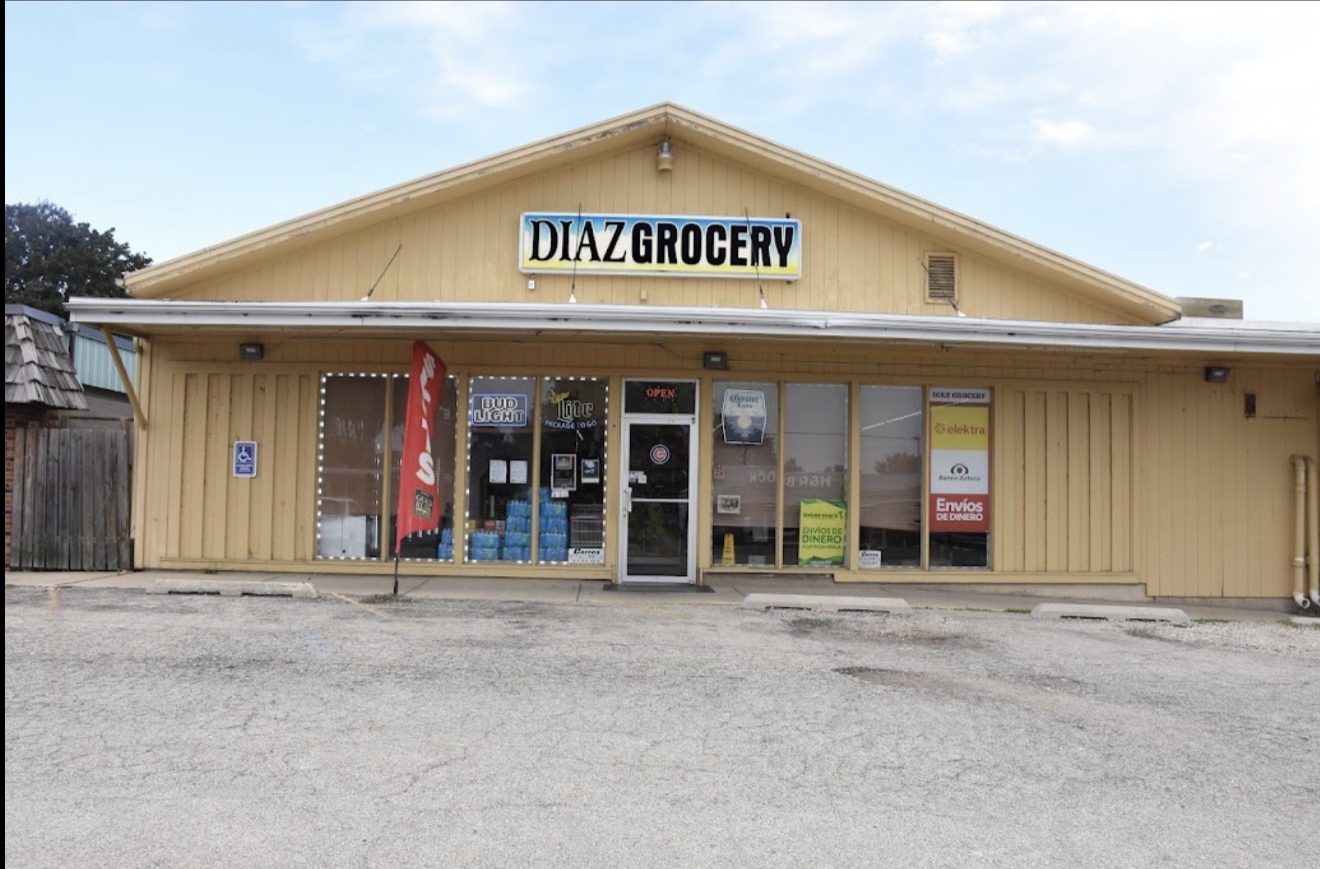
Real lines from a real invoice at Diaz Grocery in Mendota, IL. Costs per unit; shelf prices before the card fee your POS adds.
Running in a real store
Built for our own grocery store first
Before offering it to anyone else, we ran it on our family's store in Mendota, IL. Here is one Banner Wholesale invoice from October 14, 2026, start to finish.
The same invoice was also run from phone photos of the paper copy and produced the same upload, after a person confirmed two blurry lines.
Why it matters
Every missed cost increase comes out of your margin
Costs change every order
Distributor costs move all the time, a few cents here and there. On one invoice we found 7 increases and 8 decreases.
Nobody has time to compare
Checking each line against the last invoice and fixing prices in the POS takes hours most owners don't have.
Small gaps add up
An item that costs 30 cents more but rings up at the old price loses money every time it sells, for weeks.
How it works
Three steps each time an invoice comes in
Send your invoice
Forward the PDF, a spreadsheet, or a phone photo of each page. Add an export from your POS so we start from your current prices.
We check every line
Each line has to add up, and the whole invoice has to match its printed total. Then every cost is compared to your last order and priced with your own margin and rounding.
You approve, then upload
You get one short list of questions, only when something needs your OK. Then the price file is ready to load into your POS.
A cost tracker for each supplier
Every item's cost on every invoice, with each increase and decrease since the last time you ordered it.
A price file for your POS
Only the items whose price or cost changed, in the exact format your system accepts. Stock counts are never touched.
A clear list of price changes
Old price, new price and the cost behind it, so you see every change before it goes live.
Questions only when needed
New items or anything unclear comes to you as a short numbered list. Answer in a text: "1 yes, 2 no."
Safe by design
Your prices, your rules, your approval
Never guesses a number
If a line doesn't add up or can't be read, it stops and asks. It's never filled in by guesswork.
Never lowers a price on its own
When a cost goes down, your shelf price stays where it is unless you tell us otherwise.
You approve every new match
When an invoice item is new or a match looks off, like a different size, you decide before anything changes.
Your numbers stay private
Your costs and prices are used only to update your store. They are never shared with other stores or suppliers.
Pricing
Start with one free invoice
See what it finds on your own invoice before you pay anything.
Free invoice check
One supplier, one time
- Send your two latest invoices from one supplier
- See which costs went up and by how much
- See which shelf prices haven't caught up
Pilot
- Up to 3 suppliers
- Every invoice checked, tracker and price file each time
- Set up with your margin, rounding and POS
- A results summary at the end of the month
Standard
+ $300 one-time setup
- Up to 5 suppliers, $50/month each after that
- Every invoice, every week
- Cancel with 30 days' notice
Who's behind it
"I built this for my family's store because we were losing money every time a cost changed and nobody caught it."
Alan Diaz, founder · Mendota, IL
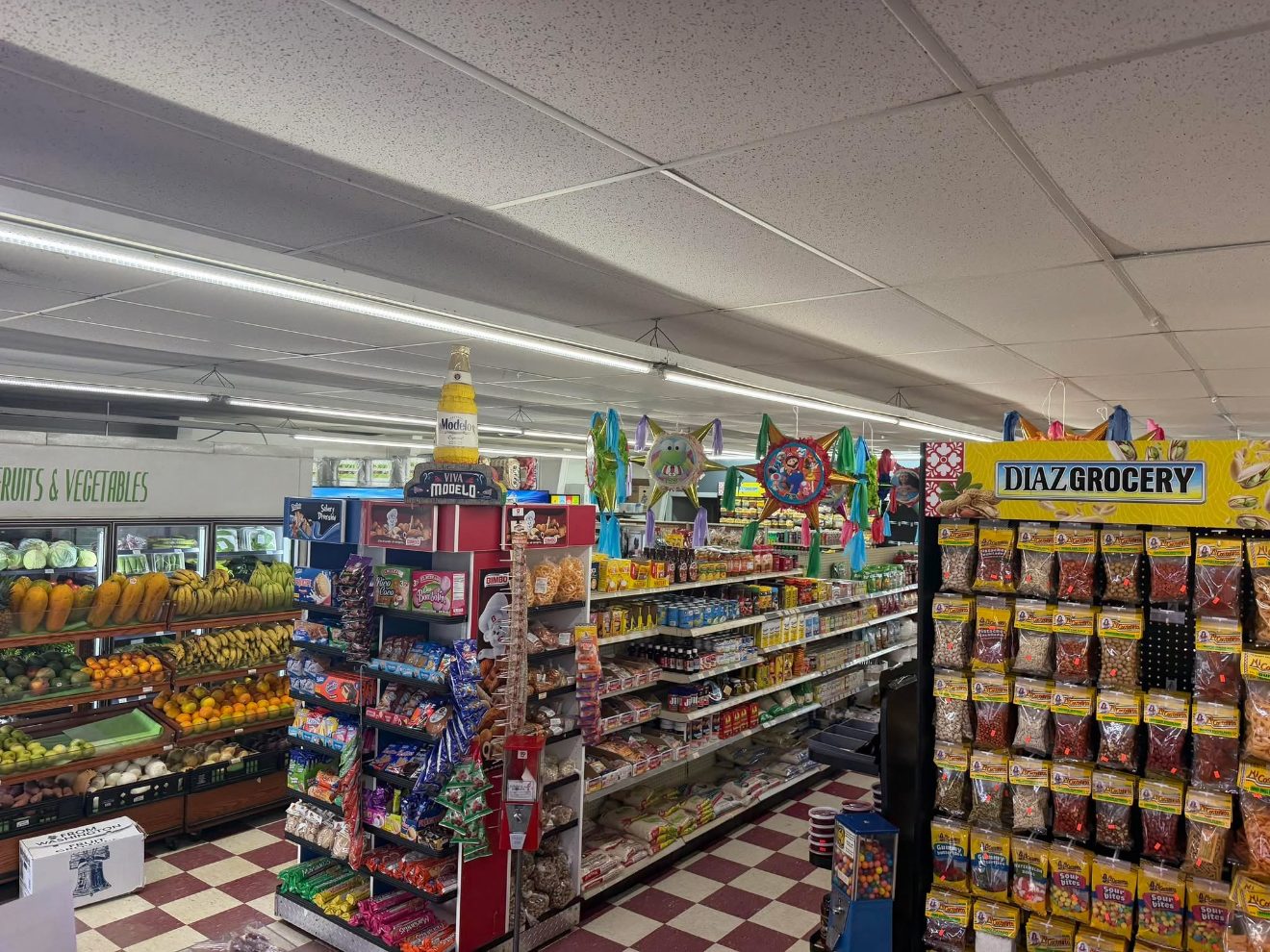
I work in my family's businesses in Mendota, IL, including Diaz Grocery, where I handle pricing. We buy from Banner, Nealey, La Hacienda and other distributors, and their costs change all the time.
I built this system to check every invoice and keep our shelf prices in step with our costs. Now I set it up for other stores, in English or Spanish.
Questions
What owners ask first
Which POS systems does it work with?
It's built around your POS's price upload, using your exact file format. It runs today on NRS. For Clover, Square and other systems, we check your upload format during the free invoice check.
Which suppliers can you handle?
Any supplier that gives you an invoice. Each supplier's layout is set up once, then every invoice from them is handled the same way. Banner Wholesale is ready today; others are set up when you start.
My invoices are on paper. Is that a problem?
No. Take a photo of each page with your phone. Every line still has to add up to the invoice total, and anything blurry is checked with you instead of guessed.
Will it change my prices without asking?
Prices follow the rules you set: your margin, your rounding, and never lowering a price unless you say so. Anything new or unclear waits for your OK, and you see the full list of changes before you upload.
Do I have to change how I work?
No. Keep ordering the way you do. Send the invoice when it arrives, answer a few questions when there are any, and load the price file into your POS.
What happens to my invoices and prices?
They're used only to update your store's prices and trackers. We don't share them with other stores, suppliers or anyone else, and we delete them if you stop the service and ask us to.
Free invoice check
See what your last invoice is costing you
Tell us about your store. We'll reply within one business day.
- We reply and ask for your two latest invoices from one supplier, as PDFs or photos.
- We check them and show you which costs went up and which prices haven't caught up.
- If it's useful, we set up a pilot with your margin and your POS.